Plane
Open-source project management for teams - a modern alternative to Jira, Linear, and Asana



Quick Overview
| Company | Plane |
|---|---|
| Category | Project Management |
| Headquarters | Open Source (Indian-led) |
| EU/European | Yes - Open Source, self-hostable in EU |
| Open Source | Yes (Apache 2.0) |
| GDPR Compliant | Yes (self-hosted on EU infrastructure) |
| Main Features | Issue tracking, Sprints/Cycles, Kanban boards, Gantt charts, Pages, Modules, Self-hosted |
| Pricing | Free (self-hosted) / Cloud from $7/user/month |
| Best For | Teams wanting open-source project management with modern UX |
| Replaces | Jira, Linear, Asana |
Detailed Review
Plane is a rapidly growing open-source project management platform that has positioned itself as a serious alternative to Jira, Linear, and Asana. Founded in 2022, Plane has quickly gained traction in the developer community, amassing over 30,000 GitHub stars and attracting teams frustrated with the complexity of Jira and the closed nature of Linear. While the company is headquartered in India, its open-source nature and self-hosting capability make it an excellent choice for European organizations that want full control over their project management data. By deploying Plane on EU-based infrastructure, teams can ensure complete GDPR compliance while enjoying a modern, intuitive project management experience.
Issue Tracking and Workflow Management
At its core, Plane provides a powerful issue tracking system that supports the full lifecycle of software development and project management. Issues can be created with rich descriptions using a built-in editor that supports Markdown, checklists, code blocks, and file attachments. Each issue can be assigned to team members, tagged with labels, set with priorities, and linked to other issues for dependency tracking. The workflow system supports custom states, allowing teams to define their own progression stages beyond the typical "To Do, In Progress, Done" model.
The issue detail view is thoughtfully designed, providing a clean interface that surfaces relevant information without the overwhelming clutter that characterizes Jira's issue screens. Activity logs track all changes, comments provide threaded discussions, and sub-issues allow complex tasks to be broken into manageable pieces. For teams transitioning from Jira, Plane offers a familiar feature set with a dramatically simpler user experience, reducing the cognitive overhead that often slows down agile teams.
Multiple View Types: Kanban, List, Spreadsheet, and Gantt
Plane offers multiple ways to visualize and interact with project data. The Kanban board view provides the familiar card-based interface popular in agile methodologies, with drag-and-drop functionality for moving issues between states. The list view offers a compact, scannable format ideal for quickly reviewing many issues at once. The spreadsheet view provides a table-based interface reminiscent of Excel or Notion databases, allowing bulk editing and sorting across multiple fields simultaneously.
The Gantt chart view is particularly valuable for teams that need to plan and visualize project timelines. Issues and their dependencies are displayed on a timeline, making it easy to identify bottlenecks, track progress, and communicate schedules to stakeholders. This multi-view approach means that different team members can work with the same underlying data in whatever format suits their role and workflow, a flexibility that simpler tools like Linear do not offer.
Cycles and Sprints
Plane's Cycles feature serves as the equivalent of sprints in Scrum methodology. Teams can create time-boxed cycles, assign issues to them, and track progress through burn-down charts and completion metrics. Active, upcoming, and completed cycles are clearly organized, giving teams visibility into their iteration history and velocity trends over time. The cycle analytics provide insights into how many issues were completed versus carried over, helping teams improve their estimation accuracy.
Unlike Jira's often convoluted sprint management, Plane's Cycles implementation is straightforward and intuitive. Creating a new cycle, adding issues to it, and monitoring progress can all be accomplished with minimal clicks. The system is flexible enough to accommodate Scrum teams running fixed-length sprints as well as teams using more fluid iteration approaches. Transfer incomplete work between cycles is handled gracefully, avoiding the confusion that can arise in Jira when incomplete sprint items need to be moved.
Modules for Large-Scale Organization
Modules in Plane provide a way to organize related issues that span multiple cycles or represent larger features and initiatives. Think of modules as epic-level containers that group related work regardless of which sprint it falls into. A module might represent a major feature release, a quarterly goal, or a cross-cutting initiative like a platform migration. Each module has its own progress tracking, showing completion percentage and the distribution of issues across different states.
This module system addresses a common pain point in project management: the need to track both tactical sprint-level work and strategic initiative-level progress simultaneously. Product managers can use modules to communicate high-level progress to stakeholders, while developers stay focused on their sprint-level tasks. The relationship between modules and cycles creates a natural hierarchy that keeps everyone aligned without requiring complex portfolio management add-ons.
Pages: Built-in Documentation
Plane includes a Pages feature that provides a built-in wiki and documentation system directly within the project management tool. Pages support rich text editing with headers, lists, tables, code blocks, and embedded media. They can be organized hierarchically and linked to issues, creating a direct connection between documentation and the work being done. This integration eliminates the need for a separate documentation tool and ensures that project context stays close to the work it describes.
For teams that currently maintain documentation in Notion, Confluence, or Google Docs alongside their project management in Jira or Linear, Plane's Pages feature offers a compelling consolidation opportunity. Having requirements, specifications, meeting notes, and architectural decisions in the same tool as the issues that implement them reduces context switching and makes it easier for new team members to understand the reasoning behind project decisions.
Self-Hosting and Data Sovereignty
Plane's open-source nature means that organizations can deploy it on their own infrastructure, giving them complete control over where their data resides and how it is processed. For European organizations subject to GDPR and other data sovereignty requirements, self-hosting Plane on EU-based cloud providers like Hetzner, OVH, or Scaleway ensures that project data never leaves European jurisdiction. The self-hosted deployment uses Docker, making it relatively straightforward to set up and maintain even for teams without dedicated DevOps resources.
Self-hosting also provides security benefits beyond data location. Organizations can implement their own security policies, integrate with existing authentication systems like LDAP or SAML, and conduct their own security audits of the codebase. For companies in regulated industries such as finance, healthcare, or defense where data handling requirements are particularly strict, self-hosted Plane provides a level of control that SaaS-only tools like Linear and Asana simply cannot match.
Cloud Offering and Pricing
For teams that prefer a managed solution, Plane offers a cloud-hosted version with a generous free tier. The free plan supports unlimited members and projects, making it accessible for startups and small teams. The Pro plan at seven dollars per user per month adds advanced features including custom analytics, priority support, and increased storage. Enterprise pricing is available for organizations requiring SSO, audit logs, and dedicated infrastructure.
This pricing structure is significantly more competitive than Jira (which starts at approximately 8.15 dollars per user per month for the Standard plan and 16 dollars for Premium) and Linear (which charges 8 dollars per user per month). Combined with the free self-hosted option, Plane offers the most flexible and cost-effective pricing in the project management space, particularly for cost-conscious European startups and scale-ups.
Integrations and API
Plane provides integrations with popular development tools including GitHub, GitLab, and Slack. The GitHub and GitLab integrations allow automatic linking between pull requests and issues, updating issue states when code is merged. The Slack integration enables notifications and basic issue management directly from Slack channels. Plane also offers a REST API for custom integrations, allowing teams to connect it with their existing toolchain and automate workflows.
While Plane's integration ecosystem is less extensive than Jira's massive marketplace of add-ons, it covers the core integrations that most software development teams need. The API is well-documented and actively developed, with the community contributing additional integrations through the open-source ecosystem. For teams with specific integration needs, the open-source codebase makes it possible to build custom integrations without depending on the vendor's development roadmap.
Who Should Use Plane
Plane is ideal for software development teams and organizations that want a modern, clean project management experience without vendor lock-in. Teams frustrated with Jira's complexity will appreciate Plane's intuitive interface and streamlined workflows. European organizations that require data sovereignty can self-host on EU infrastructure for full GDPR compliance. Startups and small teams benefit from the generous free tier and competitive pricing. Open source advocates will value the ability to inspect, modify, and contribute to the codebase. Any team looking for a project management tool that combines the power of Jira with the simplicity of Linear, while offering the freedom of open source, should evaluate Plane seriously.
Alternatives to Plane
Looking for other European project management solutions? Here are some alternatives worth considering:
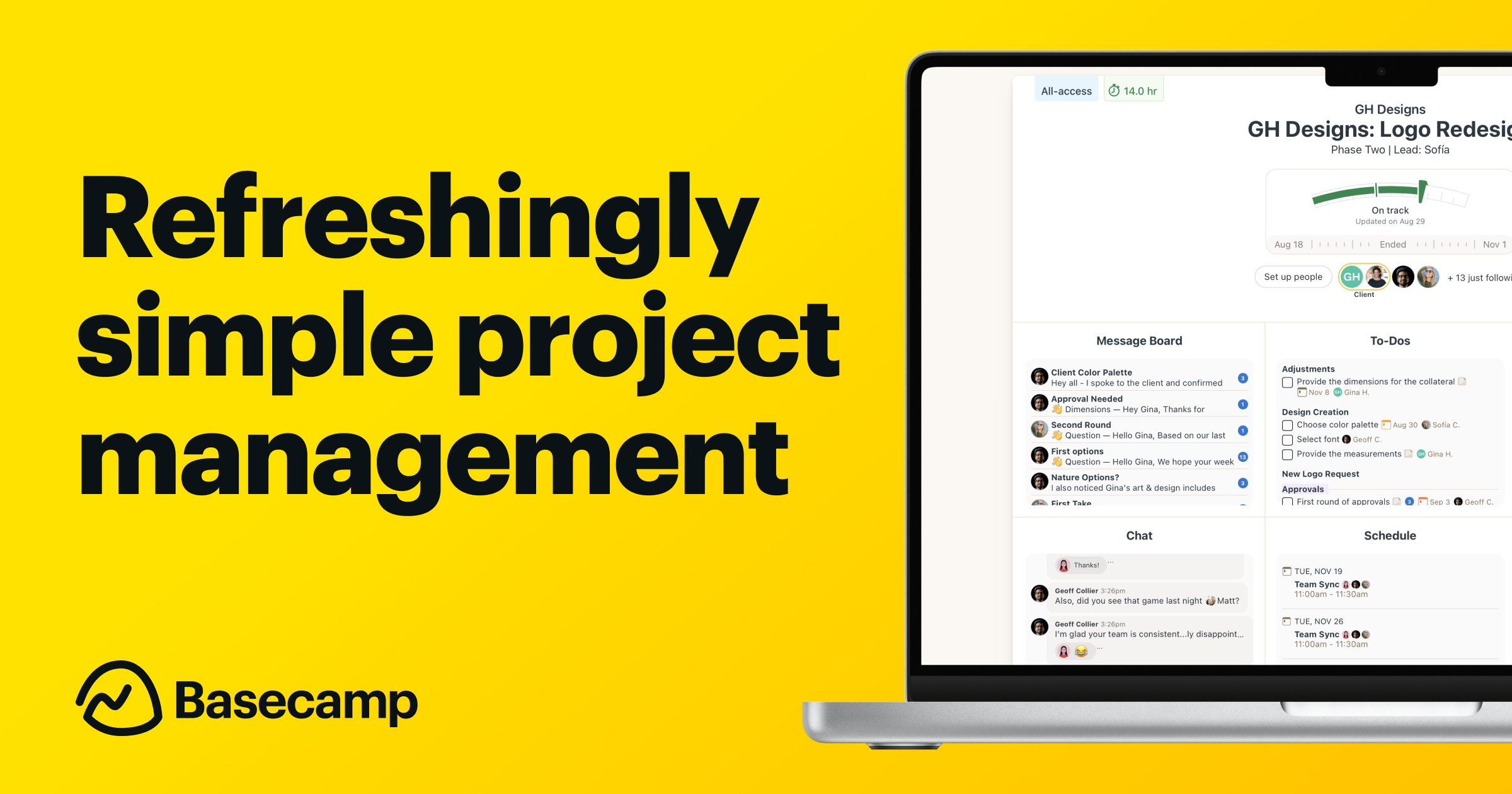
Basecamp
Simple project management and team communication

Factro
German project management with task trees and Kanban

MeisterTask
Intuitive task management built in Germany

OpenProject
Open-source project management from Berlin
Frequently Asked Questions
Yes, Plane can be fully GDPR compliant when self-hosted on EU infrastructure. Since Plane is open source, organizations can deploy it on European cloud providers like Hetzner, OVH, or Scaleway, ensuring that project data stays within EU jurisdiction. The cloud-hosted version also offers data processing agreements for compliance-conscious teams.
Yes, Plane is fully self-hostable using Docker. The deployment process is well-documented and can be set up in under 30 minutes on most servers. Self-hosting gives you complete control over your data, security configuration, and authentication integration. It is free to self-host with no user limits or feature restrictions on the community edition.
Plane's self-hosted community edition is completely free with no user limits. The cloud-hosted free plan supports unlimited members. The Pro cloud plan costs seven dollars per user per month and includes advanced analytics and priority support. Enterprise pricing is available for organizations requiring SSO, audit logs, and dedicated infrastructure.
Plane offers a similar feature set to Jira including issue tracking, sprints, Kanban boards, and Gantt charts, but with a dramatically simpler user interface. While Jira has a larger integration ecosystem and more enterprise features, Plane is faster to set up, easier to learn, and can be self-hosted for free. Teams that find Jira overly complex often find Plane to be a breath of fresh air.
Yes, Plane integrates with both GitHub and GitLab. These integrations allow automatic linking between pull requests and issues, and can update issue states when code is merged. Plane also integrates with Slack for notifications and offers a REST API for building custom integrations with your existing toolchain.
While Plane is designed primarily for software development teams, its flexible workflow system, multiple view types, and Pages feature make it suitable for any team that manages projects with tasks and deadlines. Marketing teams, product teams, and operations teams can customize Plane's workflow states, labels, and views to match their specific processes.
Plane offers import functionality that can help migrate issues from other project management tools. For Jira migrations, you can export issues from Jira as CSV files and import them into Plane. The community also provides migration scripts and guides for more complex migrations. While some manual configuration of workflows and custom fields may be needed, the core issue data transfers smoothly.
Cycles are time-boxed iterations similar to sprints in Scrum, designed for planning what to accomplish in a specific time period. Modules are thematic groupings of related issues that may span multiple cycles, similar to epics or initiatives. A team might have a two-week cycle containing issues from several different modules, providing both tactical and strategic views of their work.
Plane's web application is responsive and works well on mobile browsers, allowing you to manage issues and check project status on the go. A dedicated mobile app is on Plane's development roadmap. In the meantime, the responsive web interface provides a functional mobile experience for reviewing and updating issues, though creating detailed issues is more comfortable on a desktop screen.
Plane has one of the most active open-source communities in the project management space, with over 30,000 GitHub stars and hundreds of contributors. The project maintains a regular release cadence with new features and improvements. The community Discord server is active with discussions about features, self-hosting, and integrations. The company behind Plane is well-funded and committed to maintaining the open-source edition alongside its commercial offerings.